Find your starting point.
Explore textiles, Sadu-inspired geometry, Japanese patterns, pixel art, landscapes, glass, gradients and more. Tune the colors, composition and finish.
 DuoWall
YOUR POCKET DESIGN STUDIO
A wallpaper that feels like you.
A mockup that shows it off.
One app for both.
Now available on the App Store
Download on the App Store Free to download · iPhone & iPad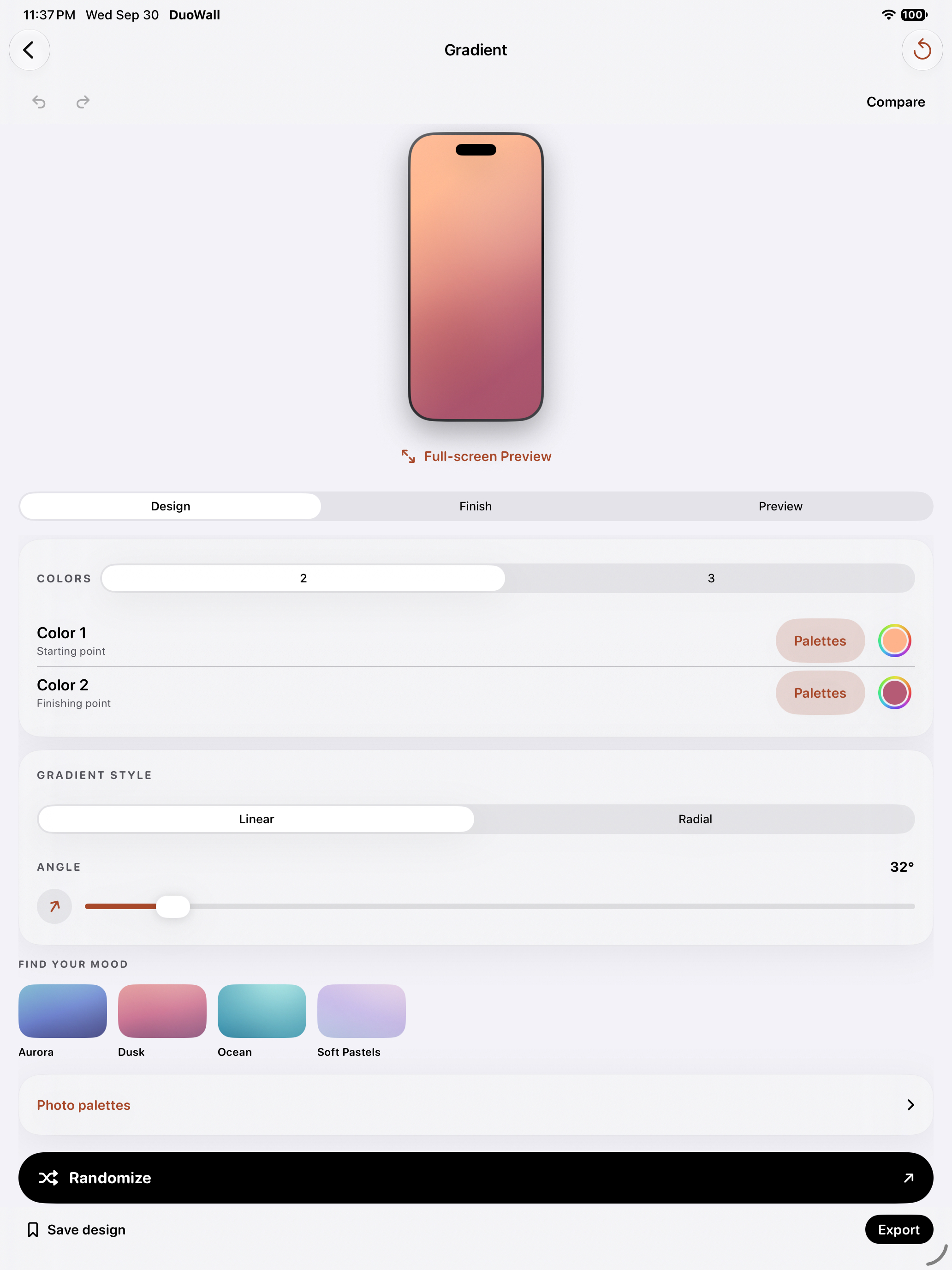
1.5.1 PREVIEW THE NEXT CHAPTER
A new Wallpaper Studio brings more ways to play, a clearer editor, and a direct path from your wallpaper to a finished mockup.
This update is in testing before public release. The App Store button downloads the current public version.
See everything in the update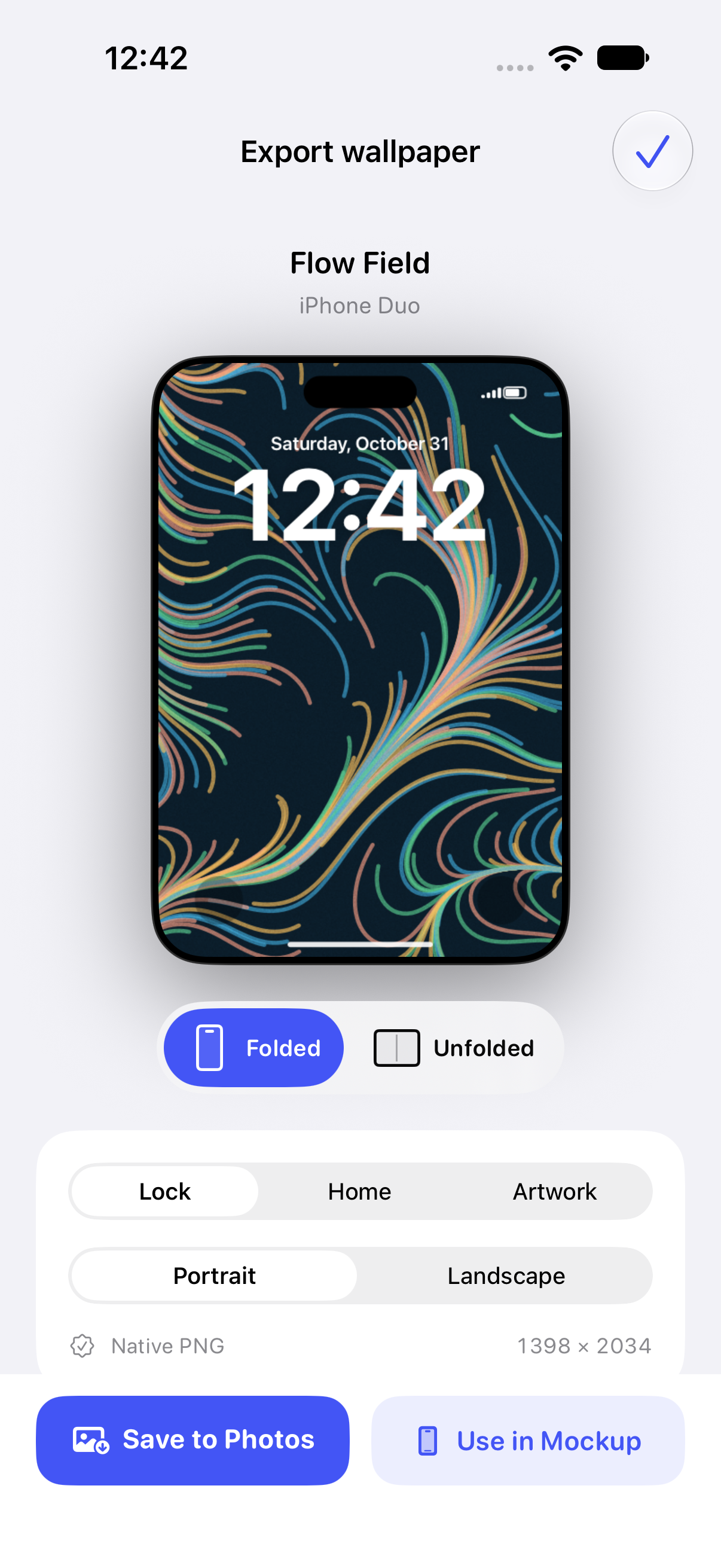 ACTUAL APP PREVIEW
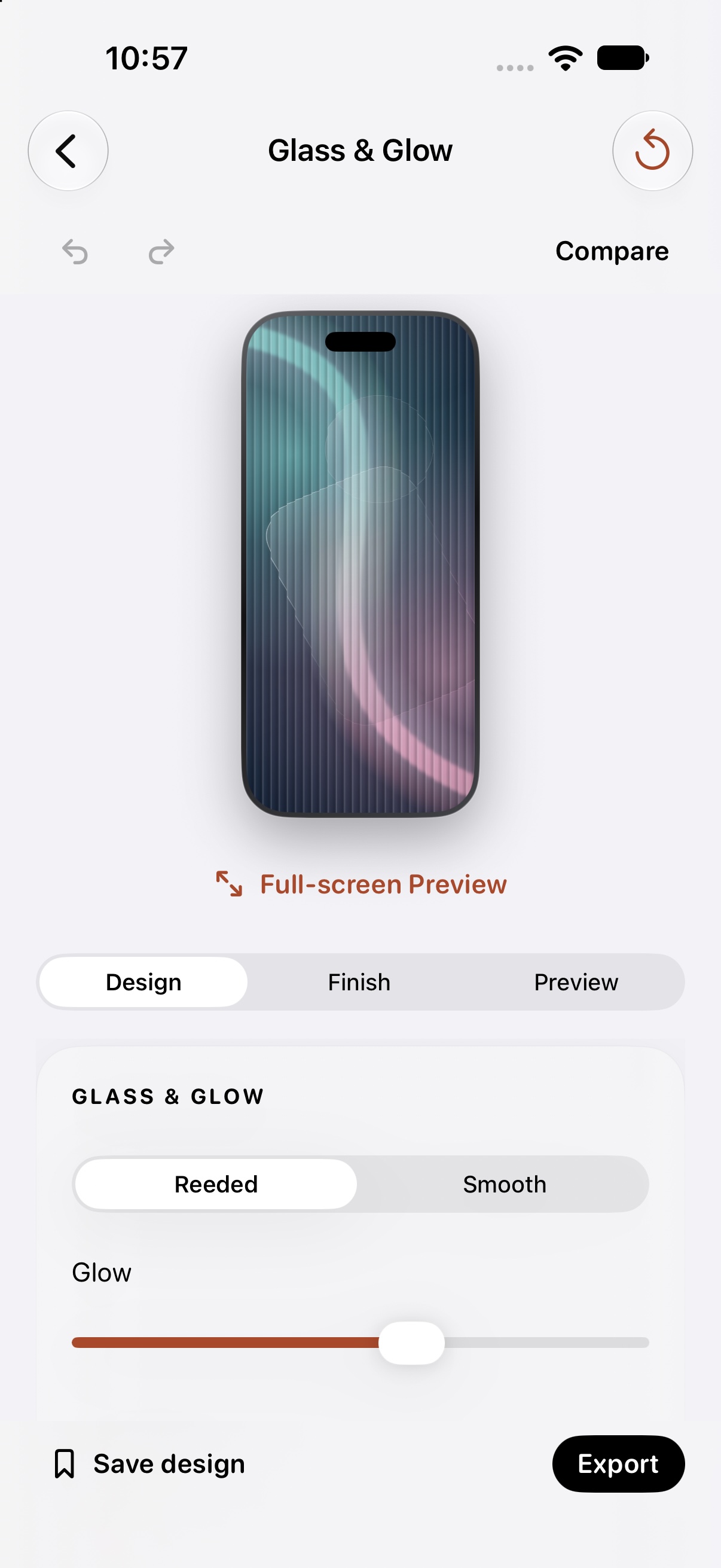
Explore textiles, Sadu-inspired geometry, Japanese patterns, pixel art, landscapes, glass, gradients and more. Tune the colors, composition and finish.
Send your finished wallpaper straight into Mockup Studio. Set the frame, arrange the scene and export your presentation, without saving and re-importing an image.
My Projects brings saved wallpaper and mockup work together. Reopen, rename or duplicate an idea. Delete with Undo when you want to make room.
Move, resize and rotate the wallpaper composition directly. In Mockup, adjust the device frame separately from its image crop. Clear Back and Export actions keep the next step in sight.
See direct editingThe new Wallpaper Studio requires iOS 26 or later. On iOS 17–25, DuoWall keeps its previous wallpaper editor. Existing saved work stays available. Wallpaper presets for other brands create image files; DuoWall itself is an iPhone and iPad app.
SAME SCREEN. DIFFERENT FEELING.
Soft, bold, nostalgic, a little unexpected.
Start with a look. Take it somewhere new.
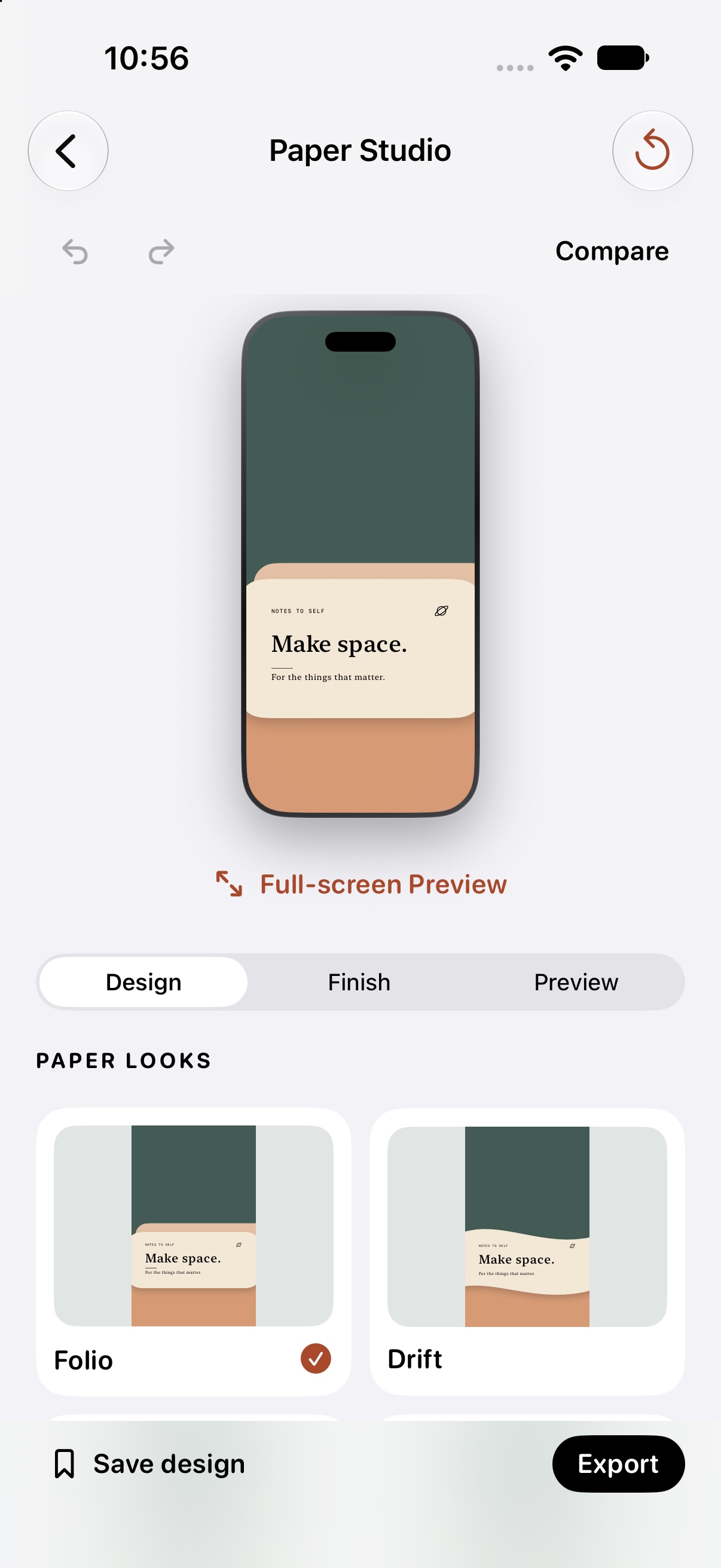
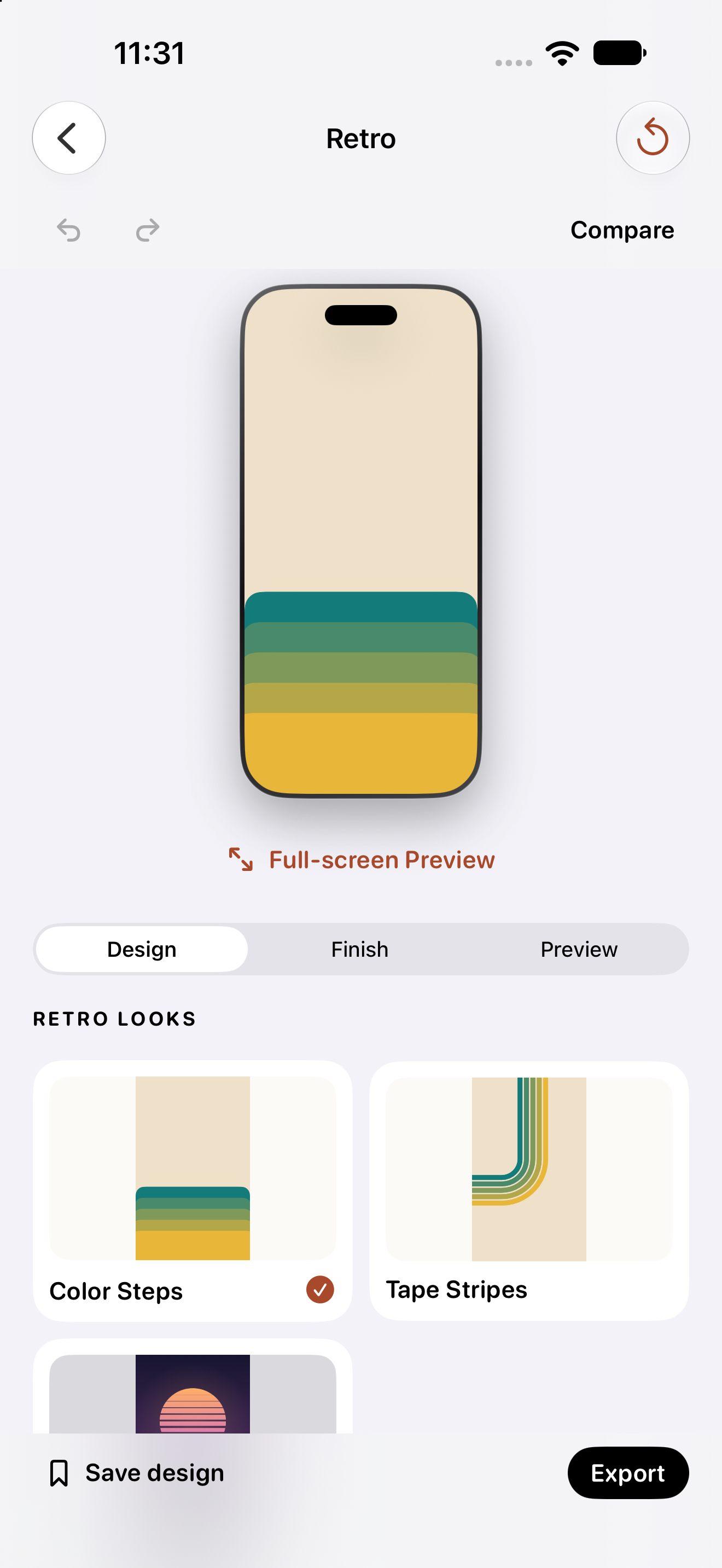
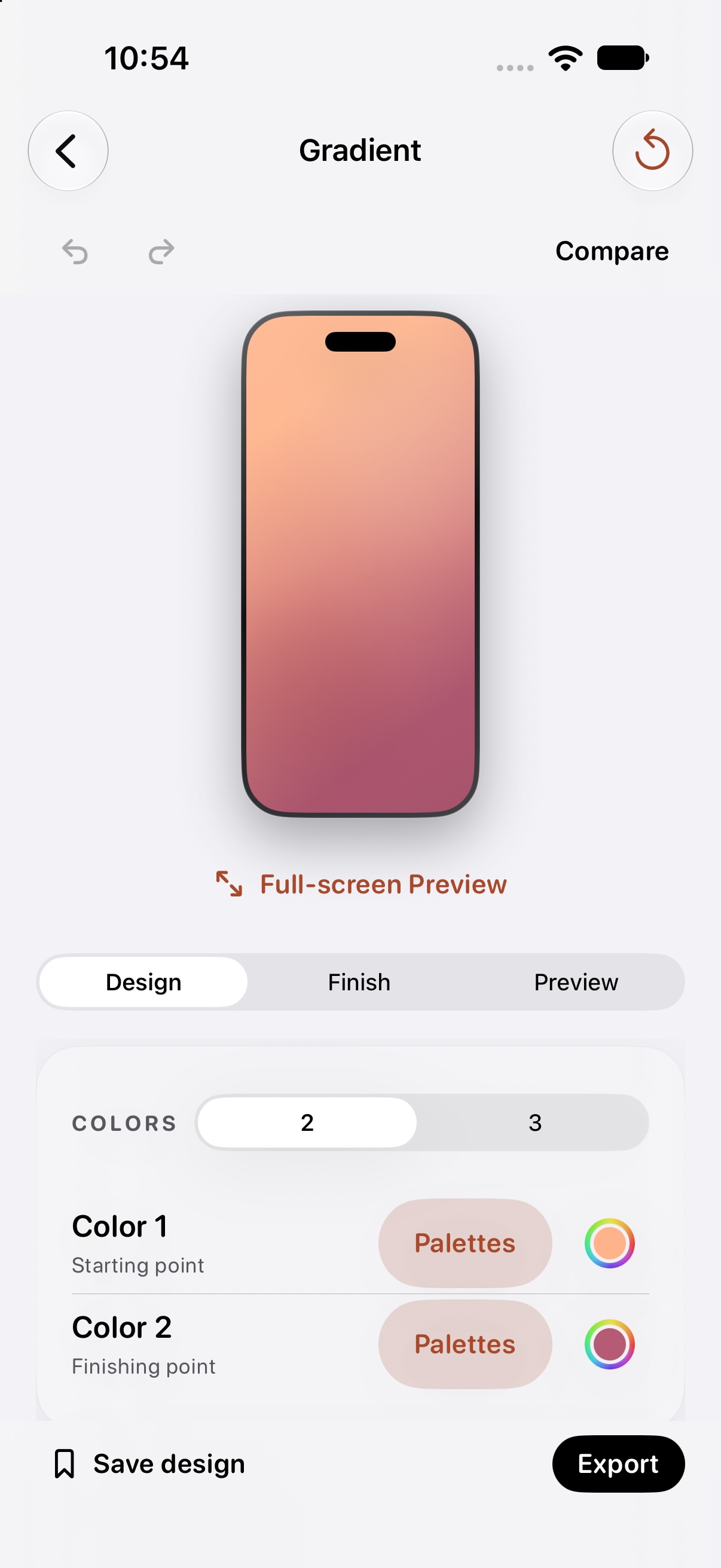
Current App Store examples. Tap a look to see its original app capture.
TAKE A LOOK INSIDE 1.5.1 PREVIEW
New controls. The same creative idea.
Real captures of the next update.
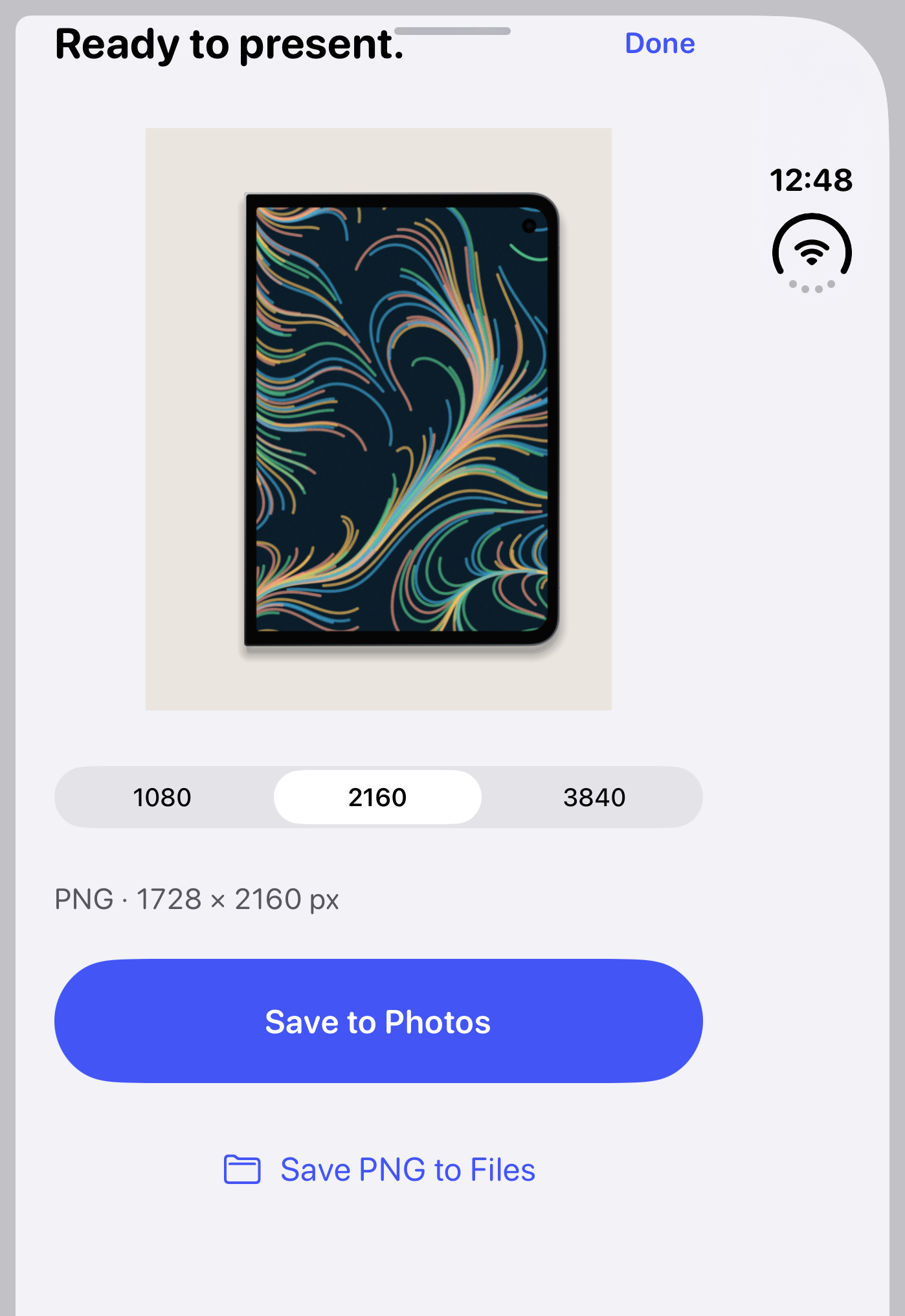
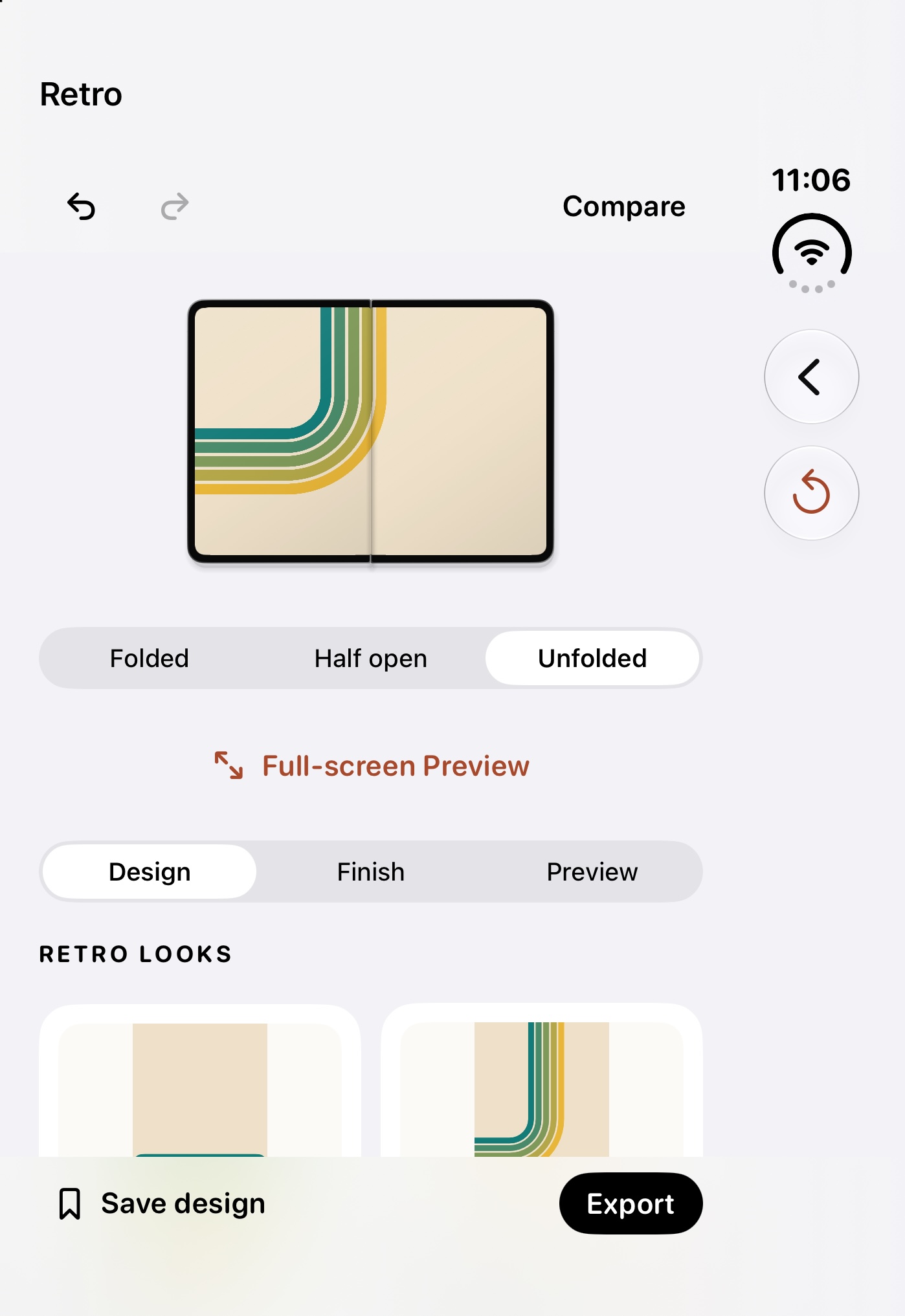
Preview folded and unfolded layouts, rotate the artwork, and save a coordinated cover and inside pair. Then carry your design into Mockup.
Paired Duo PNGs always use native sizes: 1398 × 2034 cover and 2670 × 1878 inside. Device frames, clocks and icons are preview elements.
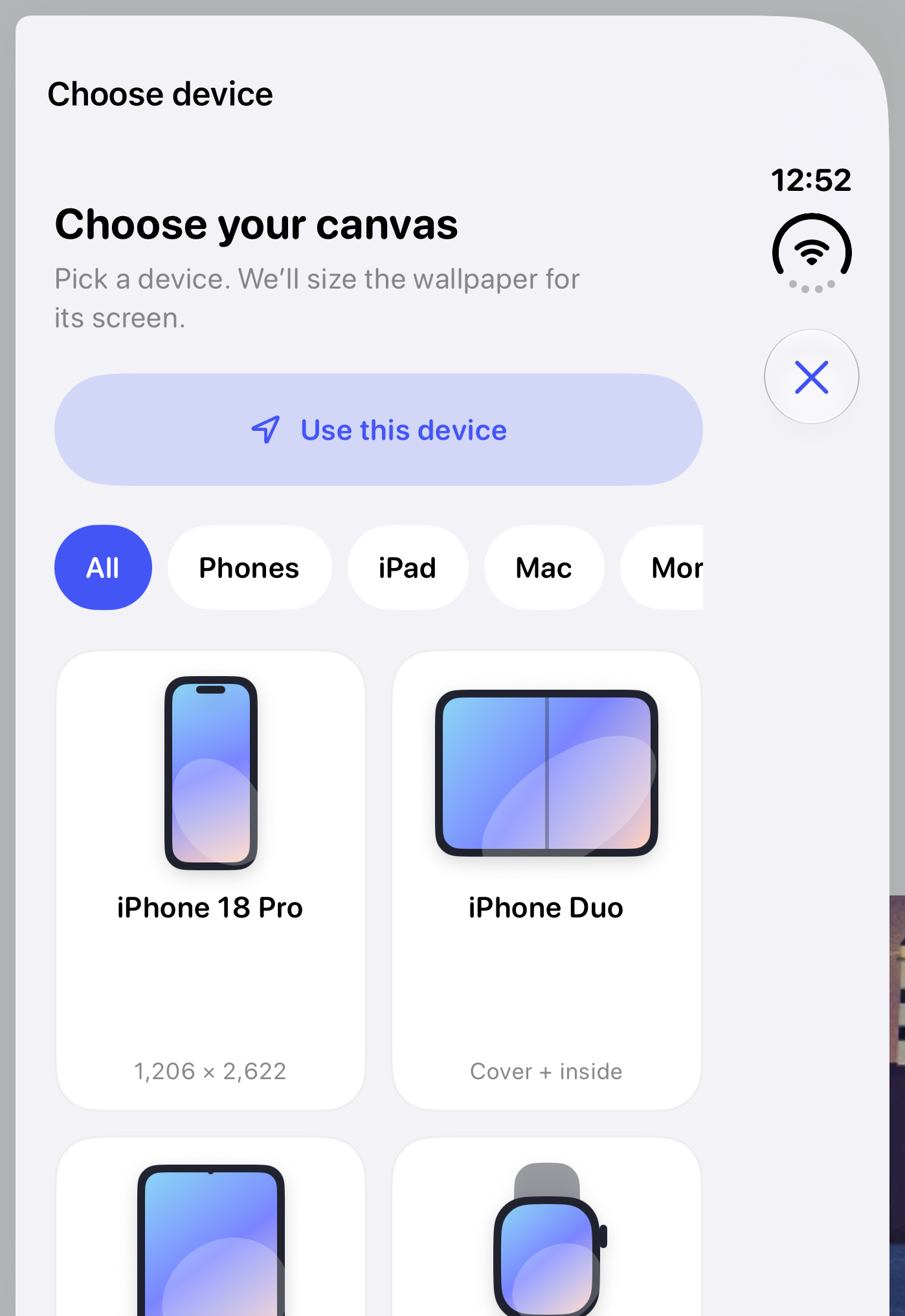
Meet the new device picker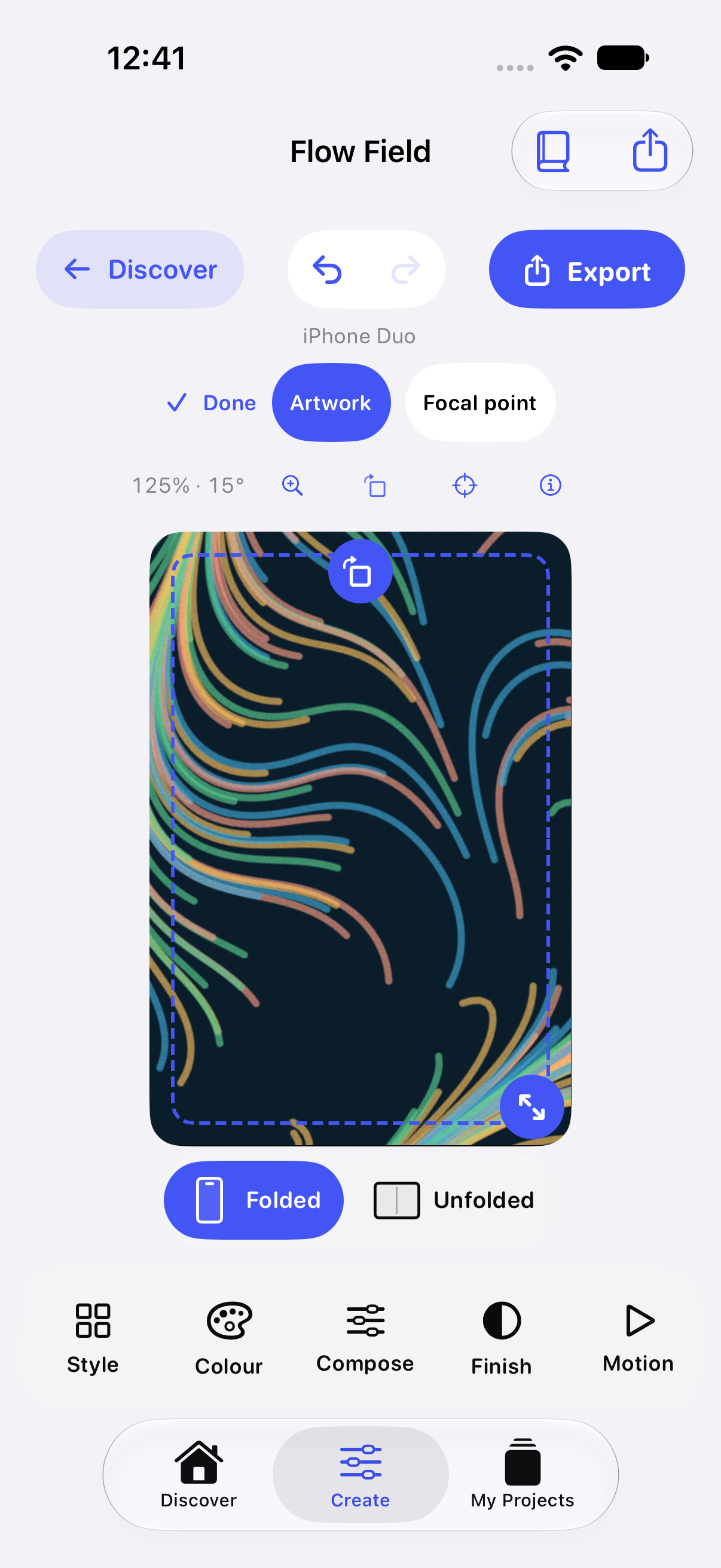
Shape the whole wallpaper composition on the canvas. Fine-tune its colors and finish, use Undo to explore, and reach Export when it feels right.
Selection handles help while editing and are excluded from the wallpaper PNG.
See the export screen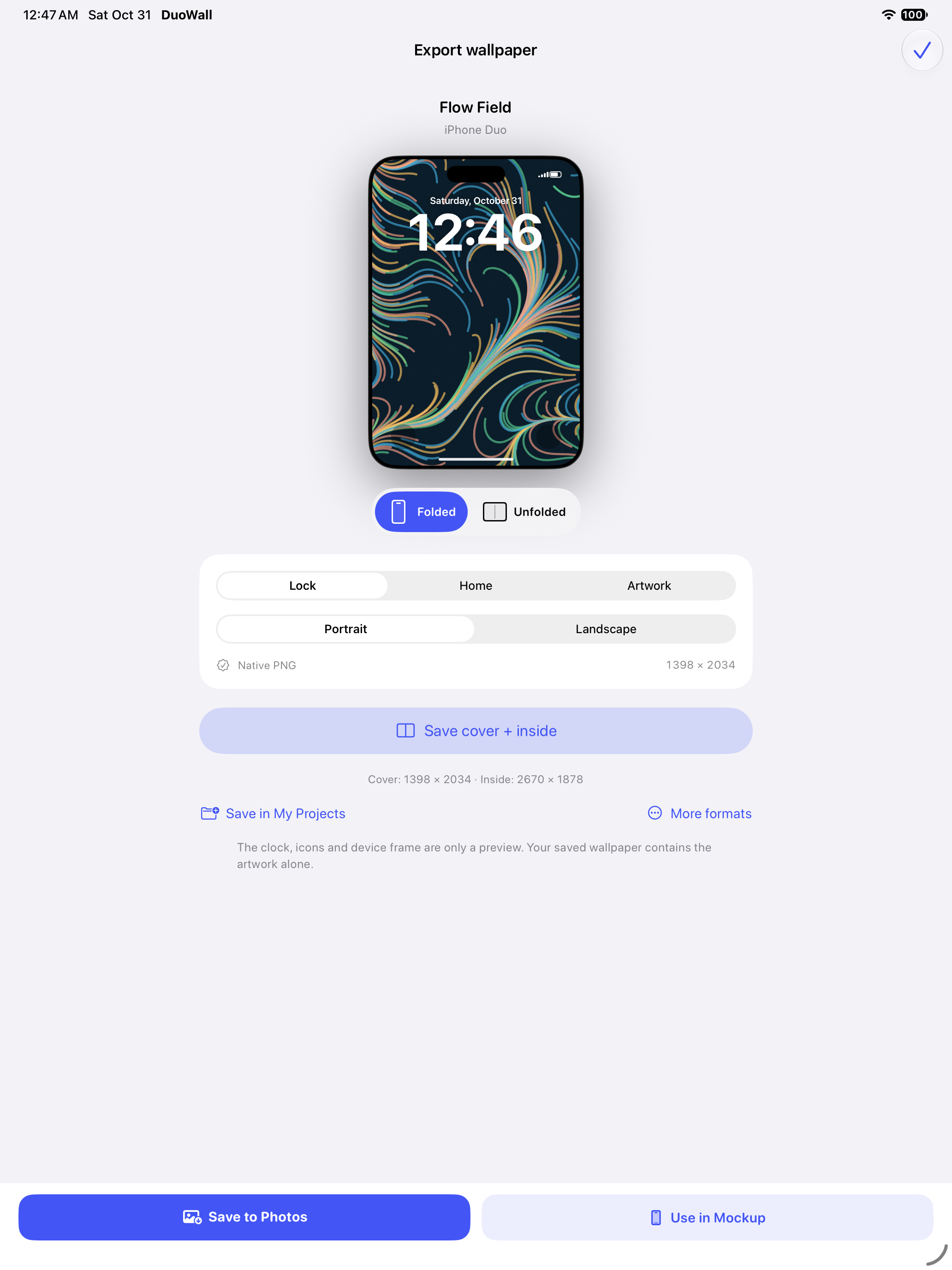
Choose the screen you are designing for, preview the result and keep the project for later. The same Wallpaper-to-Mockup handoff works on the bigger canvas.
Shown here: the iPad app preparing an iPhone Duo wallpaper pair.
Explore the full screenshotActual 1.5.1 preview captures from iPhone and iPad simulators. This update is not yet part of the public App Store download. Tap any screen to enlarge.
THE OTHER HALF OF DUOWALL
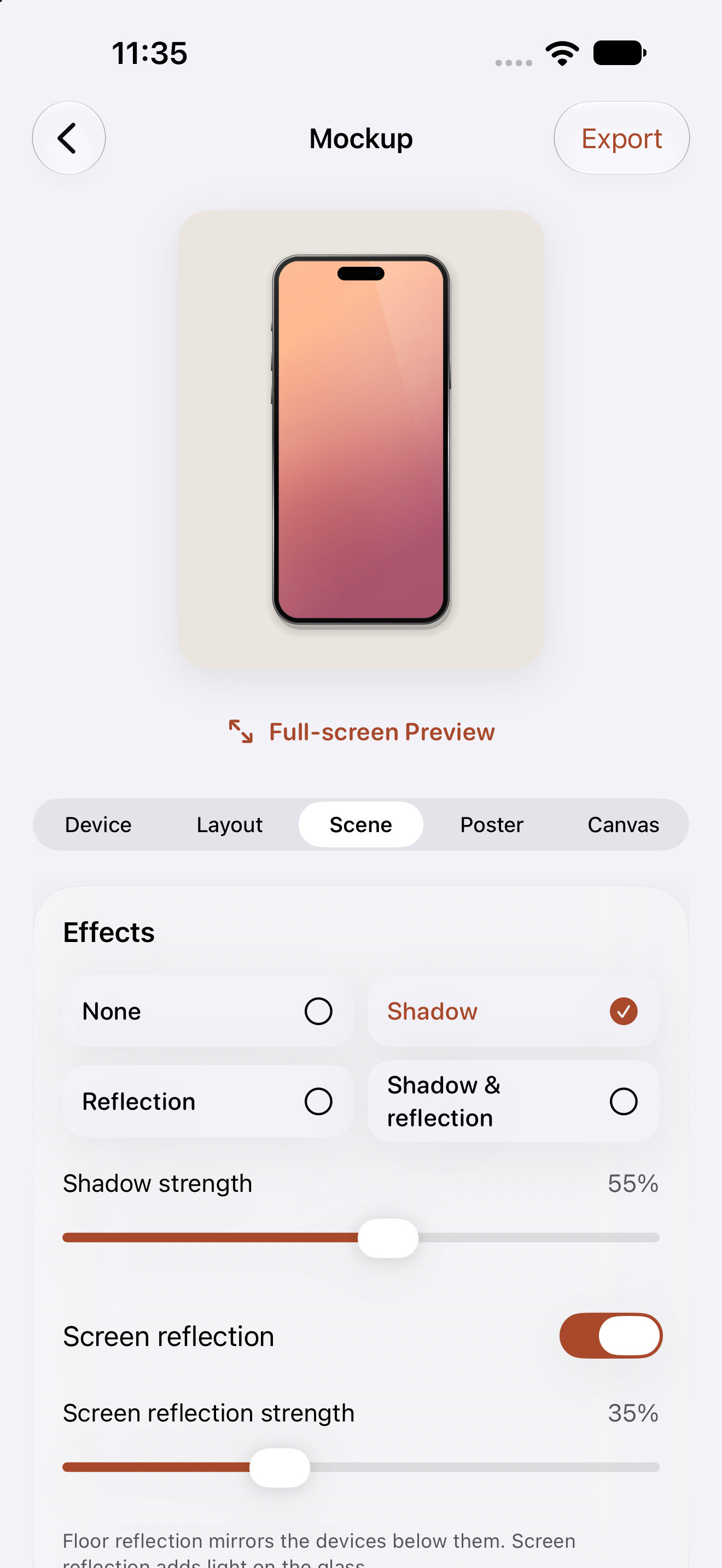
Your image, in a frame worth sharing. Choose an iPhone, iPad, or Duo mockup. Play with the scene, shadows, and reflections, then export your PNG.
Wallpapers and mockups. No switching apps.
YOUR NEXT WALLPAPER STARTS HERE.
DuoWall is now available on the App Store.
Free for iPhone and iPad. Made by Faisal Alrajhi.